
A practical beach wheelchair transfer area needs a stable site, a clear route, enough room, named staff, privacy, and stop rules. Product photos show components. However, they cannot define a person’s transfer method or support needs. Keep equipment facts separate from personal guidance.
This beach wheelchair transfer guide turns that boundary into ten site questions. Follow current product instructions, local policy, staff authority, and qualified advice. It makes no claim about medical outcomes, universal methods, staffing ratios, certification, or guaranteed safety.
What should a transfer-area policy define?
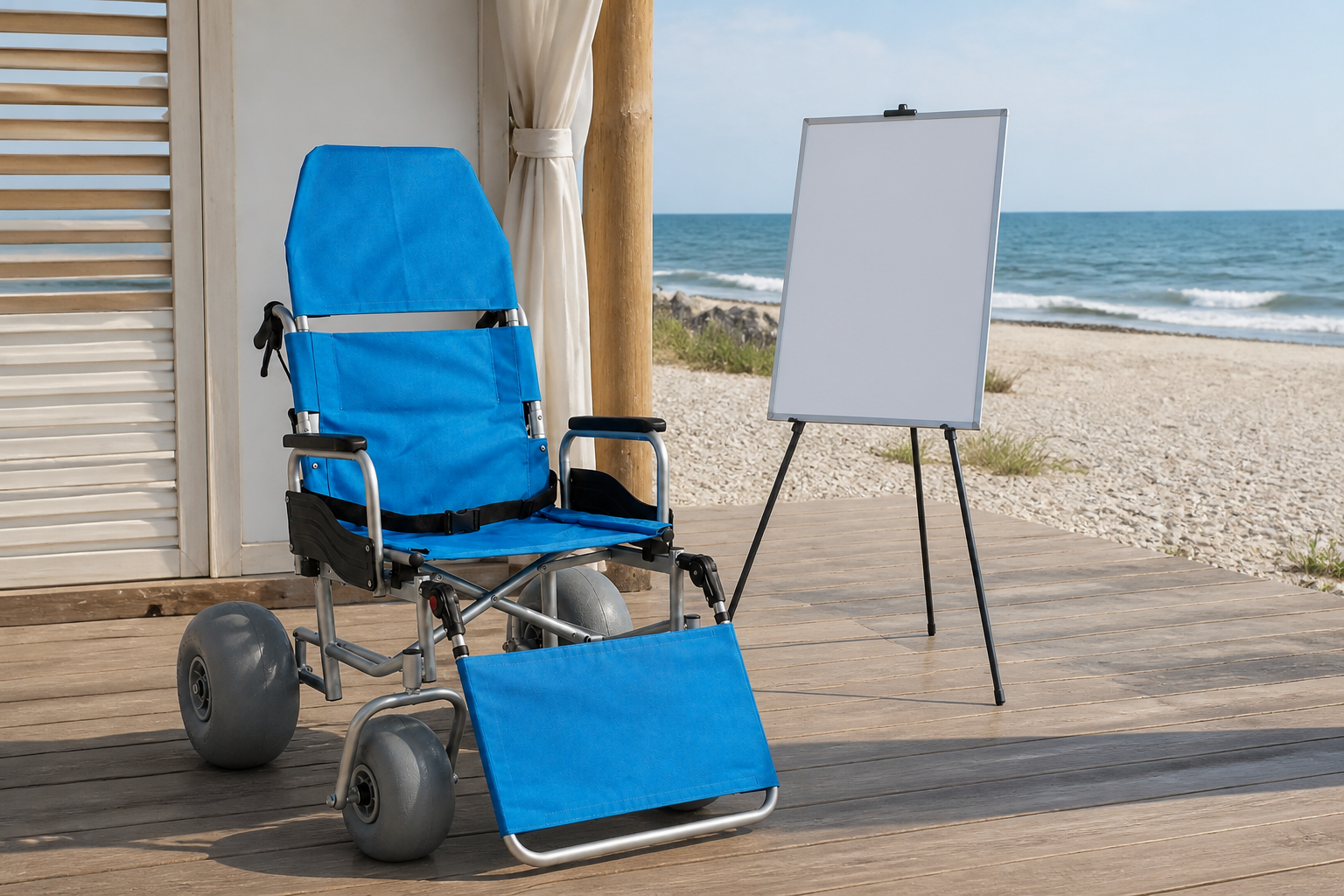
Beach wheelchair transfer should be governed by a policy that separates equipment checks, site operations, staff authorization, personal guidance, and stop conditions. This decision connects chair status with location, route, people, privacy, communication, and escalation. Product photos can show seat, back, arms, belt, side guards, handles, wheels, and foot support, yet they cannot confirm individual fit, assistance need, approved technique, staff authorization, or clinical suitability. Record policy owner, chair model, site, permitted tasks, personal-question path, stop rule, escalation contact, and review date against the exact model identity before approval. However, U.S. Access Board beach-route standards apply to defined federal settings, so local teams must confirm which rules govern their site.
Review policy boundary through one record
Set the boundary before the handoff: Write what equipment staff may check and where another decision must move to local policy or qualified guidance. Then save the policy note. If a point is unclear, pause the handoff and ask the policy owner.
- Define equipment and personal decision boundaries.
- Name authorized roles and stop authority.
- List required chair and site records.
- Give unclear questions an escalation path.
Key Takeaway: A transfer policy keeps equipment operations and personal guidance in separate lanes.
| Review area | Working record |
|---|---|
| Equipment | Chair identity, status, components, and instructions |
| Site | Area, route, space, privacy, and communication |
| Personal question | Local policy or qualified guidance |
The boundary prevents product copy from becoming individual advice.
Which location checks support a practical area?
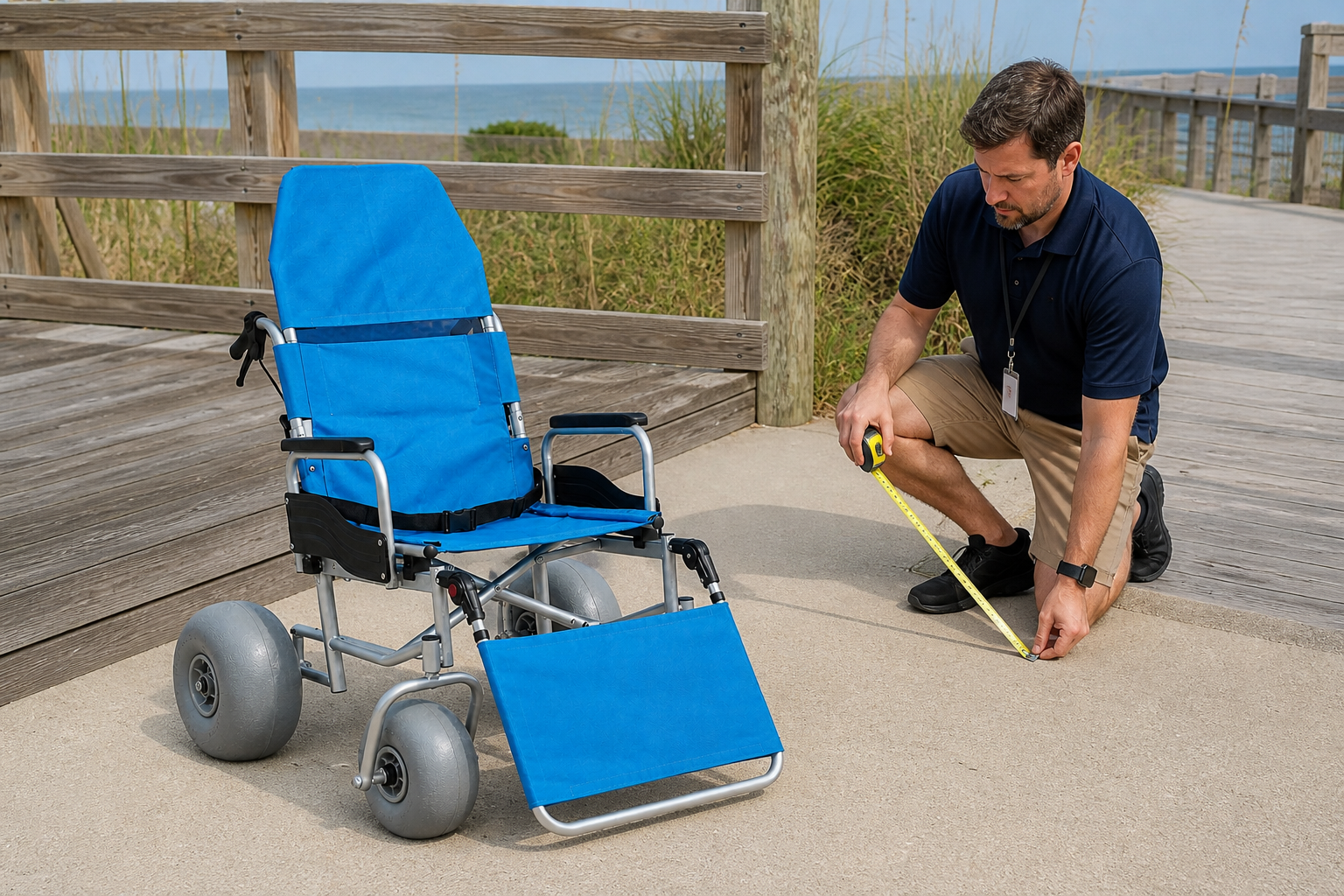
Beach wheelchair transfer needs a location review covering surface, clear space, approach, departure, weather exposure, privacy, lighting, communication, and emergency access. This decision connects site conditions with chair geometry and local policy. Product photos can show wheel stance, frame, handles, arms, foot support, and nearby route, yet they cannot confirm stable local conditions, personal suitability, or permission for a universal method. Record location ID, surface, clear area, route, exposure, privacy control, communication method, finding, and owner against the exact model identity before approval. For example, a beach access mat changes the beach wheelchair transfer route and its surface joins.
Review location checks through one record
Use a named location rather than a beach label: Walk the exact approach and departure, then connect the record with the all-terrain application and local site controls. Next, file the route note. If conditions change, stop and ask the site owner.
- Record surface and usable working space.
- Map approach, departure, and stop access.
- Check privacy and communication controls.
- Recheck after route or weather changes.
Key Takeaway: A practical area starts with a repeatable site record.
| Review area | Working record |
|---|---|
| Physical area | Surface, space, route, exposure, and lighting |
| Operating control | Privacy, communication, access, and stop rule |
| Status | Open, changed, restricted, or closed |
A named location lets another shift repeat the review.
How should chair status be verified?
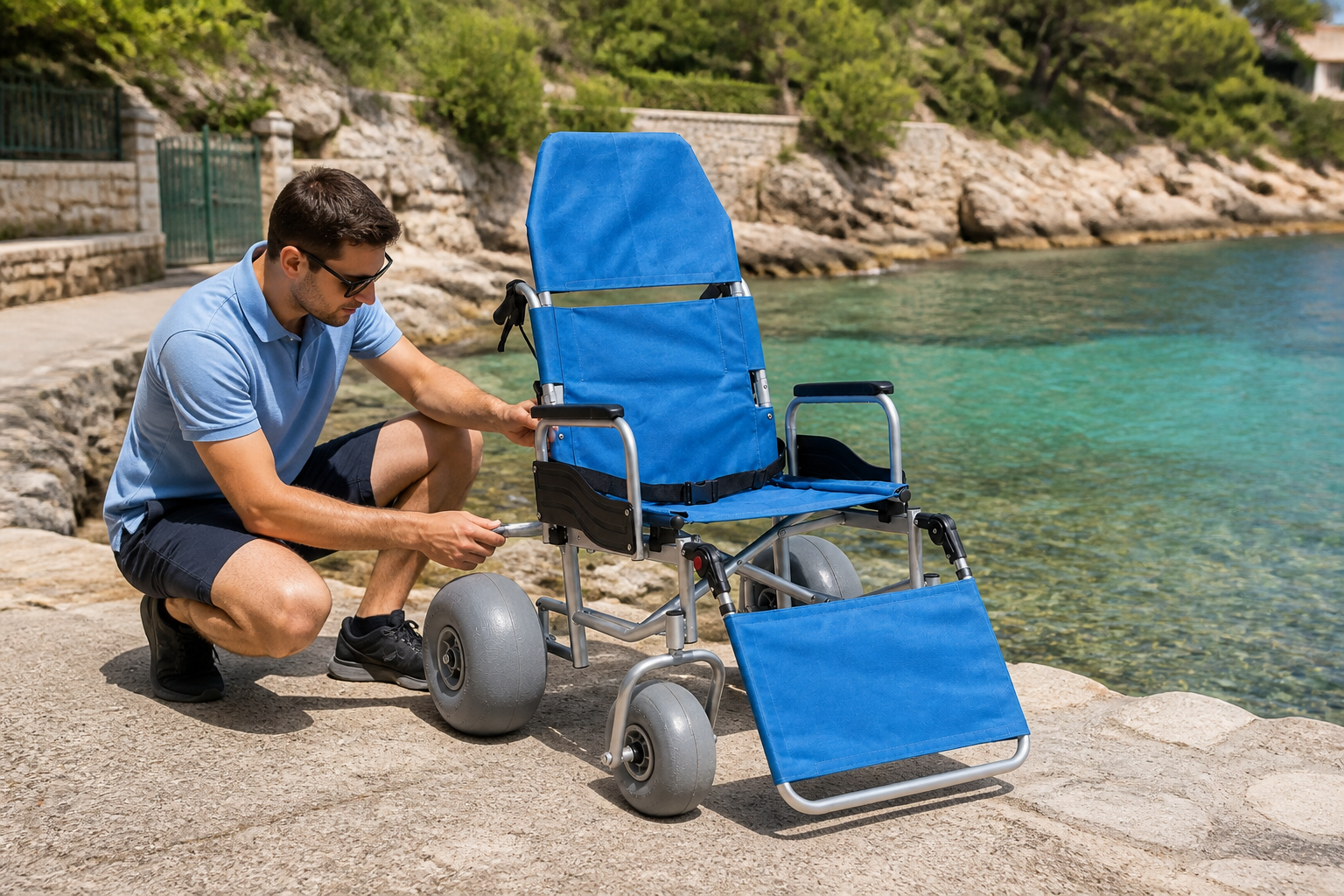
Beach wheelchair transfer should start only after exact chair identity, setup state, inspection, care status, fault review, component check, and release are verified. This decision connects equipment readiness with the planned handoff and route. Product photos can show four wheels, frame, seating, arms, belt, handles, brakes, side guards, and foot support, yet they cannot confirm hidden fault, completed care, approved setup, or ready status. Record chair ID, model, instruction revision, setup state, inspection points, care state, fault log, owner, and release time against the exact model identity before approval. Then compare a lightweight beach wheelchair only through its own current instructions and status record.
Review chair status through one record
Ready must be a recorded state: Use current user manual guidance as operating context and keep model-level instructions with the chair record. Then update the chair log. If status is unclear, keep the unit out of service.
- Confirm chair identity and configuration.
- Complete setup and named inspection points.
- Review faults and care status.
- Record ready, hold, or service release.
Key Takeaway: Chair readiness comes from a closed record rather than visual appearance.
| Review area | Working record |
|---|---|
| Identity | Chair, model, option, and revision |
| Checks | Setup, inspection, care, parts, and faults |
| Release | Ready, hold, service, or review |
A visible status stops a returned or uncertain chair from entering a handoff.
What staff roles belong around the handoff?
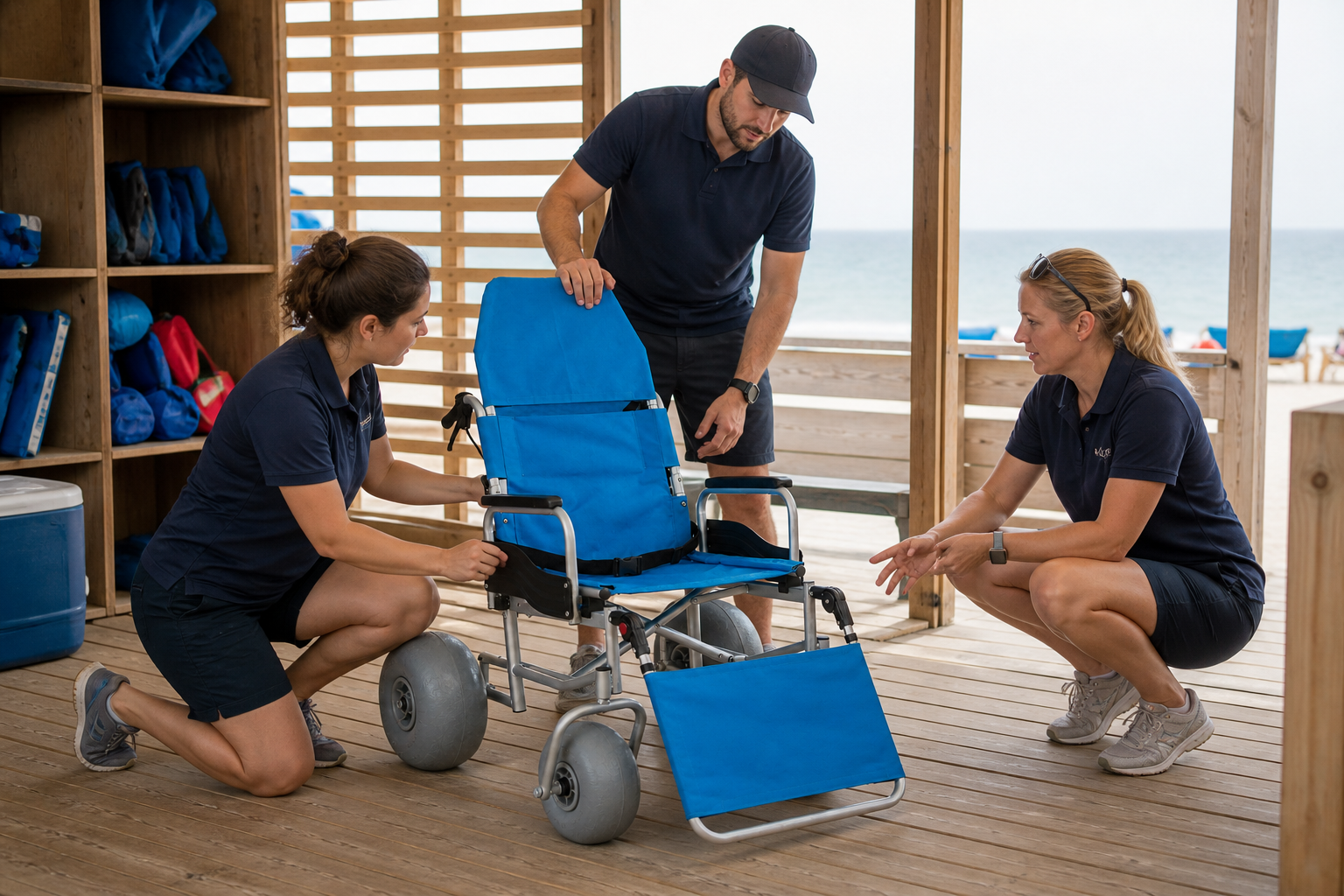
Beach wheelchair transfer needs named roles for site check, chair release, communication, equipment positioning, route watch, stop authority, recordkeeping, and escalation. This decision connects local authorization with shift handoffs and individual guidance boundaries. Product photos can show chair controls and the physical space where staff may stand, yet they cannot confirm who may assist a person, which method applies, or whether staffing meets a personal need. Record role, authorization source, permitted equipment task, communication cue, stop authority, escalation path, and shift owner against the exact model identity before approval.
Review staff roles through one record
Give every action one owner: Rehearse the empty-chair operating sequence and route personal-assistance questions through the approved local process. Meanwhile, record each staff role. If authority is unclear, pause and ask the shift lead.
- Assign site, chair, route, and record roles.
- Name stop authority and escalation contact.
- Keep personal guidance outside product instructions.
- Record shift and responsibility changes.
Key Takeaway: Named roles protect both equipment status and decision boundaries.
| Review area | Working record |
|---|---|
| Role area | Site, chair, communication, route, or record |
| Authority | Local policy, training record, or qualified guidance |
| Handoff | Owner, cue, stop rule, and next action |
The role map shows where a supplier answer ends and a local decision begins.
How should teams plan communication?
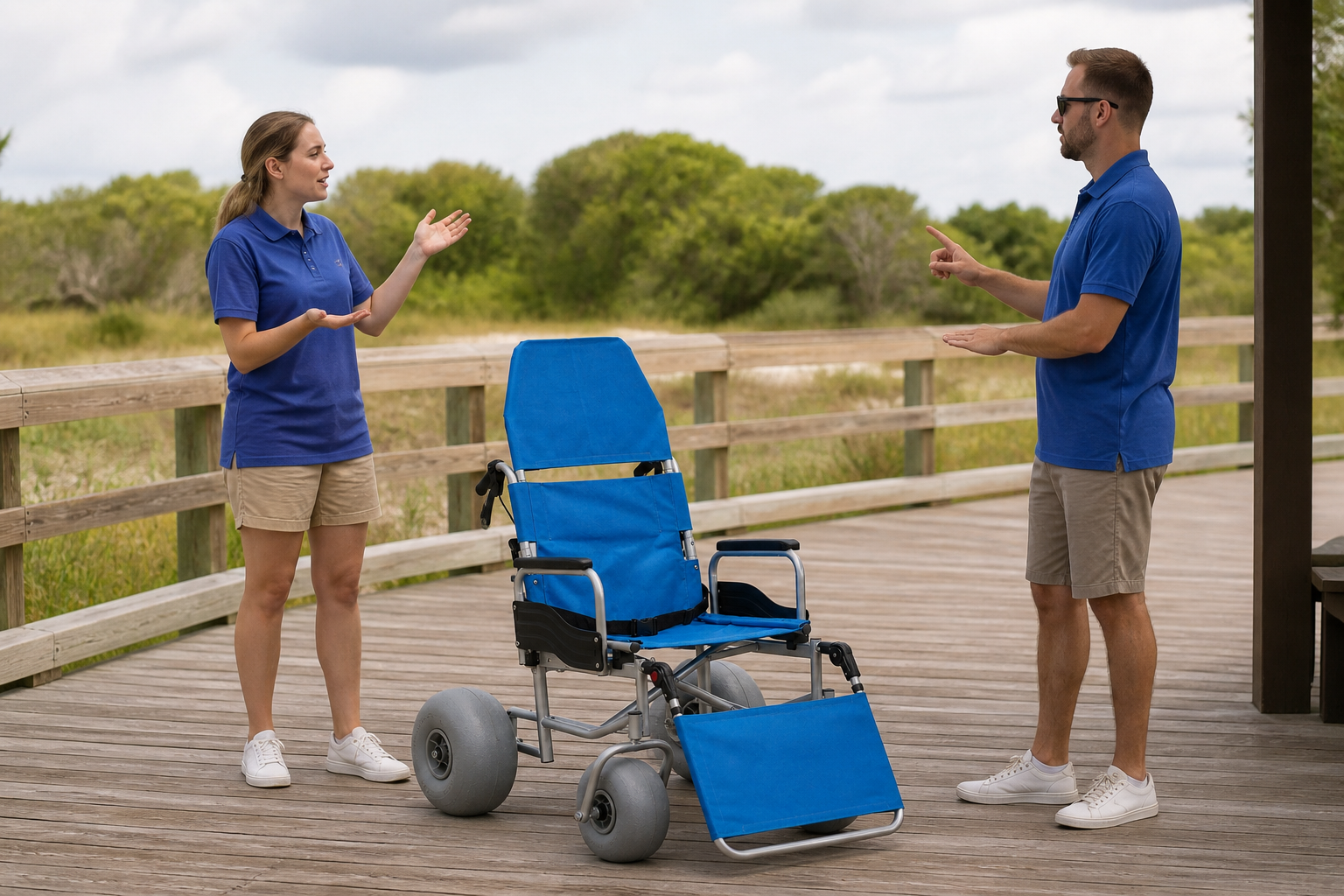
Beach wheelchair transfer should use a communication plan that confirms roles, consent process, chair status, route, pace cues, stop words, questions, privacy, and escalation under local policy. This decision connects staff coordination with the person and any approved support roles. Product photos can show equipment position and visible staff locations, yet they cannot confirm individual communication preference, consent, comprehension, or personal assistance need. Record communication owner, permitted information, cue set, confirmation point, stop phrase, privacy control, and escalation path against the exact model identity before approval.
Review communication plan through one record
Make the stop cue clear before movement: Use plain language and the approved local process, then pause whenever a question falls outside the staff role. For example, save the agreed script. If a personal question arises, follow the referral path.
- Name who leads each communication point.
- Confirm chair and route status aloud.
- Use agreed start, slow, stop, and pause cues.
- Protect personal information under local policy.
Key Takeaway: Communication should make status, roles, and stop authority visible.
| Review area | Working record |
|---|---|
| Before | Roles, chair status, route, and consent process |
| During | Pace, pause, stop, and question cues |
| After | Handoff, concern, record, and escalation |
A short shared script can reduce missed operational details without replacing personal guidance.
How do route and pause points affect the area?
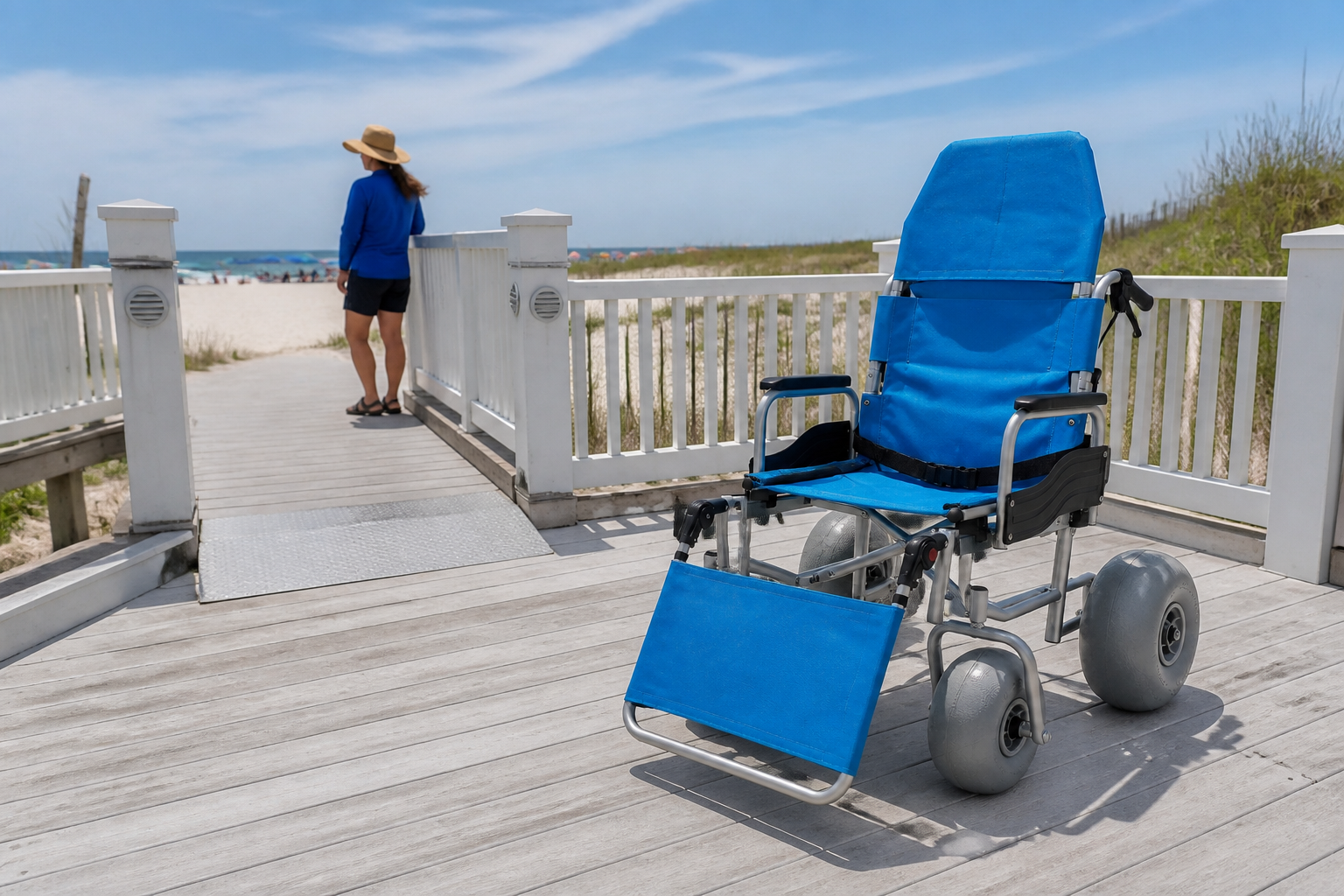
Beach wheelchair transfer needs a route record that links approach, working area, departure, turns, surface changes, pause points, return path, and stop access. This decision connects chair movement with local conditions and staff positions. Product photos can show wheel stance, handles, foot support, frame length, and route geometry, yet they cannot confirm behavior on every surface, permitted maneuver, or universal route suitability. Record route ID, direction, surface, turn, pause, staff position, observation, changing condition, and stop point against the exact model identity before approval. So include any portable chair travel route in the beach wheelchair transfer map before service.
Review route pause through one record
Map the complete service loop: Review both directions with an empty chair and connect open route questions with the all-terrain rental project as program context. Then mark each pause point. If the route changes, ask the site owner before service resumes.
- Walk approach and departure in both directions.
- Mark turns, handoffs, pauses, and return points.
- Record fixed and changing conditions separately.
- Close the route when stop access changes.
Key Takeaway: A transfer area works only as part of a complete route.
| Review area | Working record |
|---|---|
| Approach | Surface, turn, space, and staff position |
| Handoff | Working area, pause, privacy, and stop access |
| Departure | Direction, route status, and return option |
The route view prevents a good handoff bay from hiding a poor approach.
Which chair components need a handoff record?
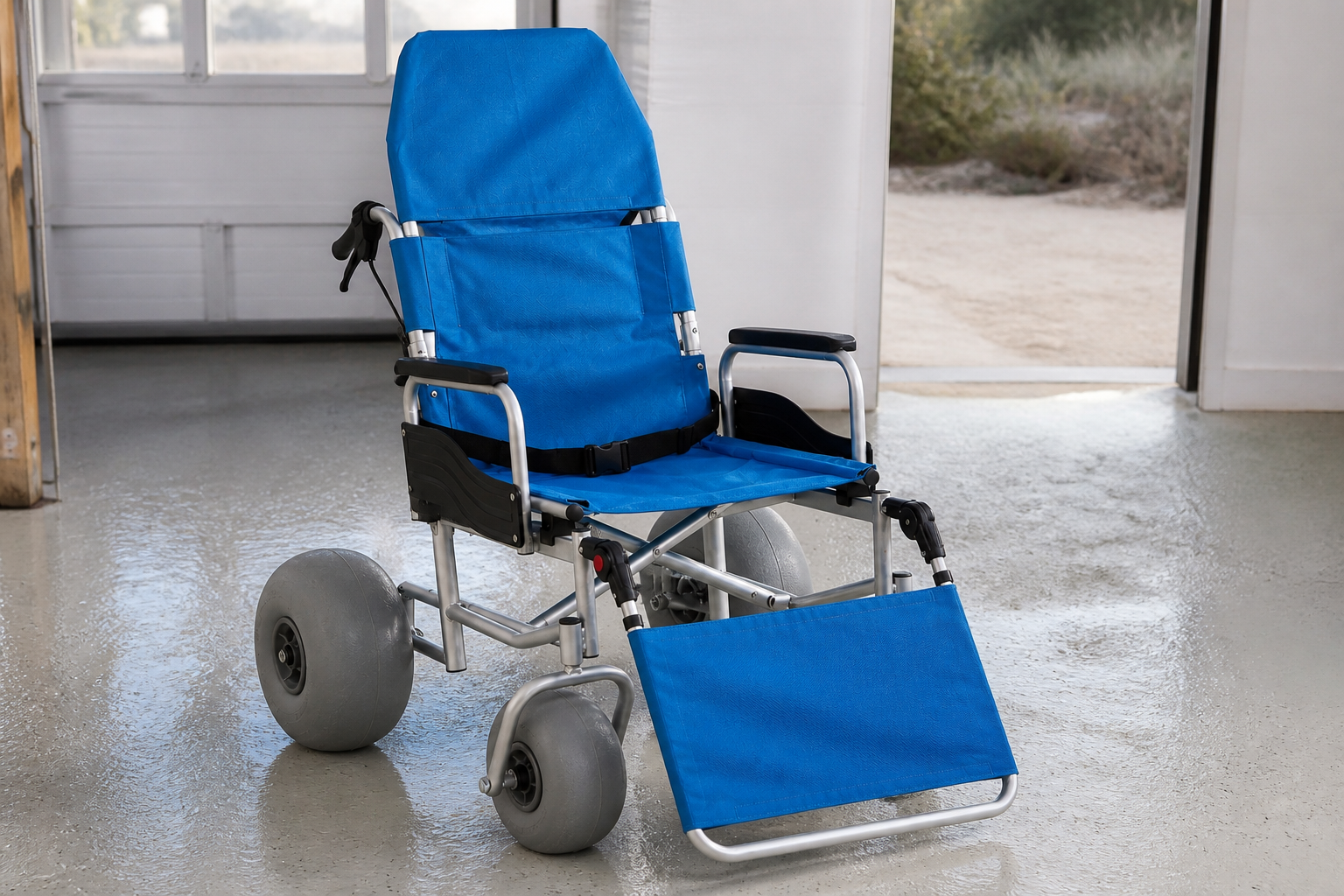
Beach wheelchair transfer should record the state of seat, back, arms, side guards, belt, handles, brakes, wheels, frame, foot support, and any model options. This decision connects visible product components with inspection, setup, care, and replacement records. Product photos can show blue fabric, black supports, silver frame, gray wheels, and black controls, yet they cannot confirm individual fit, approved assistance method, component life, or parts interchangeability. Record component name, visible state, setup source, inspection point, care status, option identity, fault, and owner against the exact model identity before approval.
Review component record through one record
Turn each visible feature into a check: Link every component with the staff task that touches it, and request written supplier guidance where setup or replacement remains unclear. Next, file the component check. If a part differs, hold the chair for review.
- Identify each contact and control component.
- Tie setup and inspection to current sources.
- Keep options and replacements model-specific.
- Place a faulted component on hold.
Key Takeaway: A component record supports equipment control without promising personal outcomes.
| Review area | Working record |
|---|---|
| Contact area | Seat, back, arms, belt, side guards, and foot support |
| Control area | Handles, brakes, wheels, and frame |
| Record | Setup, inspection, care, fault, and owner |
This map helps purchasing, operations, and service teams share the same chair identity.
How should teams rehearse the workflow?
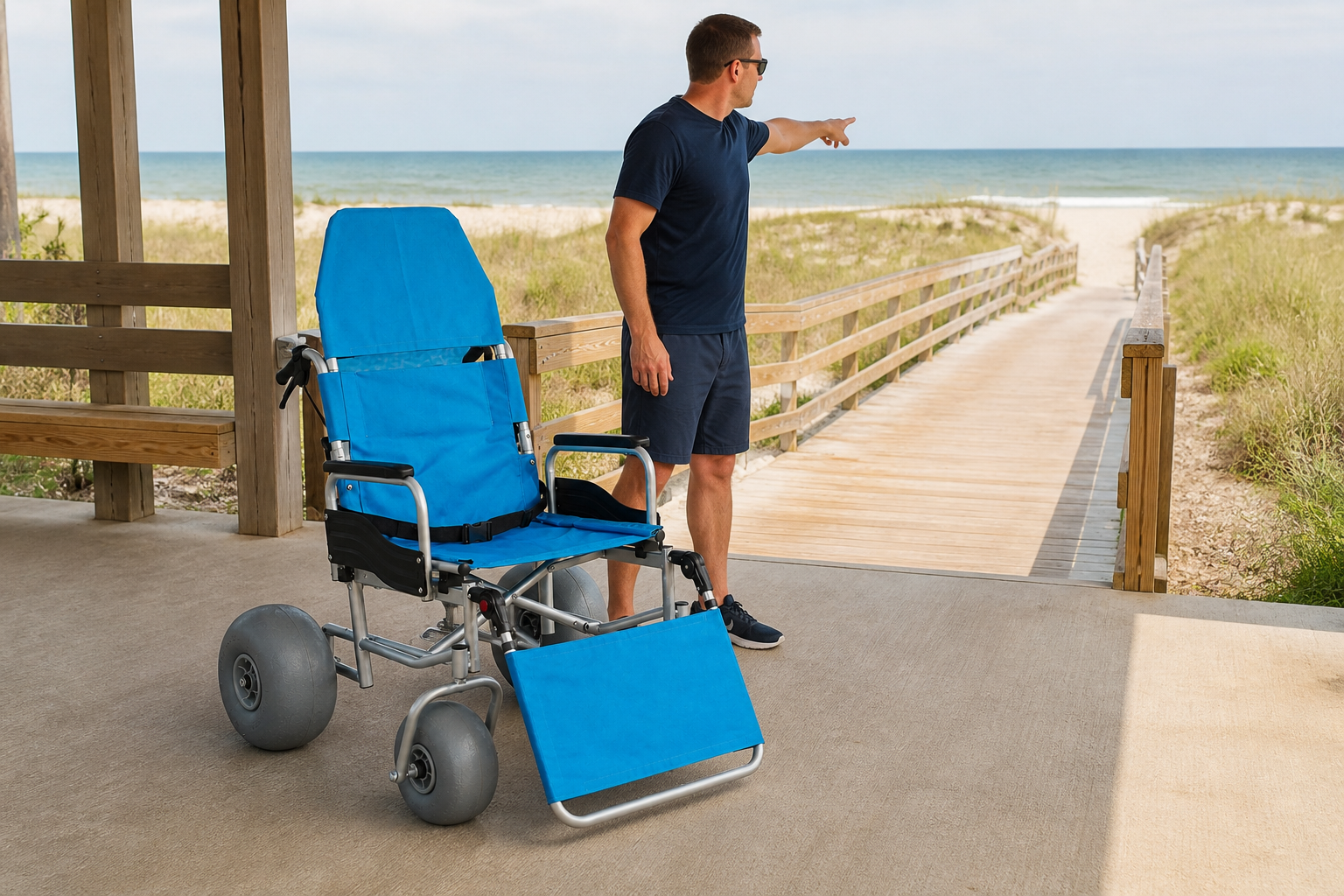
Beach wheelchair transfer should be rehearsed with an empty chair across site check, release, positioning, communication, route, pause, return, care, and record closeout. This decision connects staff roles with real space and current chair instructions. Product photos can show how the chair occupies the handoff area and route, yet they cannot confirm individual technique, personal assistance need, or a universal staffing method. Record rehearsal ID, chair, site, roles, source, task, question, stop event, change, owner, and approval state against the exact model identity before approval.
Review empty chair rehearsal through one record
Practice the equipment cycle without a rider: Run the planned sequence in the actual area, stop on unclear steps, and revise records before service opens. Afterward, save the rehearsal note. If a step fails, assign an owner before another trial.
- Use the exact chair and planned location.
- Assign roles and stop authority.
- Record space, route, and component questions.
- Repeat after material workflow changes.
Key Takeaway: An empty-chair rehearsal exposes operational gaps without simulating personal guidance.
| Review area | Working record |
|---|---|
| Stage | Check, release, position, route, return, or care |
| Finding | Clear, question, change, or stop |
| Follow-up | Owner, source, action, and approval |
The rehearsal creates specific supplier and site questions before a real handoff.
What stop rules and escalation paths are needed?
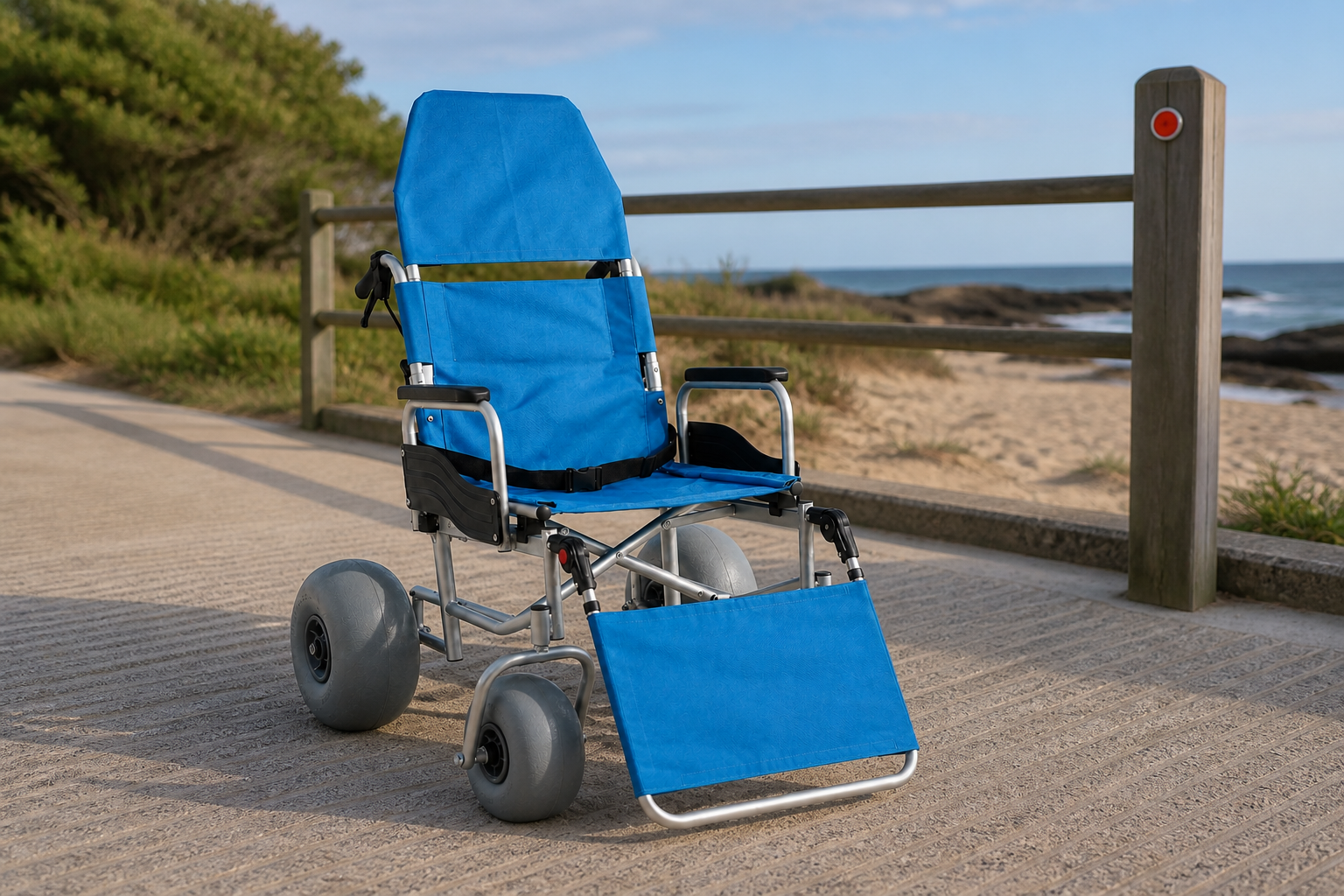
Beach wheelchair transfer needs stop rules for chair faults, unclear setup, changed site conditions, role gaps, communication breakdown, privacy concerns, or personal questions outside staff authority. This decision connects equipment, site, staff, and individual decision boundaries. Product photos can show visible chair and route condition at the moment of pause, yet they cannot confirm hidden risk, personal suitability, repair approval, or permission to continue. Record trigger, stop authority, chair state, location state, immediate control, contact, decision owner, and release condition against the exact model identity before approval.
Review stop escalation through one record
A pause is a valid operating outcome: Keep the chair and area in a visible hold state until the responsible source or local authority closes the issue. As a result, every stop rule has an owner. If no owner is named, service stays on hold.
- List equipment, site, role, and communication triggers.
- Name who can stop and who can release.
- Protect privacy during escalation.
- Record the condition needed for restart.
Key Takeaway: Clear stop rules make uncertainty visible before it becomes action.
| Review area | Working record |
|---|---|
| Trigger | Equipment, site, role, communication, or personal question |
| Control | Pause, protect, record, and contact |
| Restart | Named decision, evidence, owner, and release |
An escalation map supports consistent decisions across shifts and locations.
How can teams build a practical handoff flow?
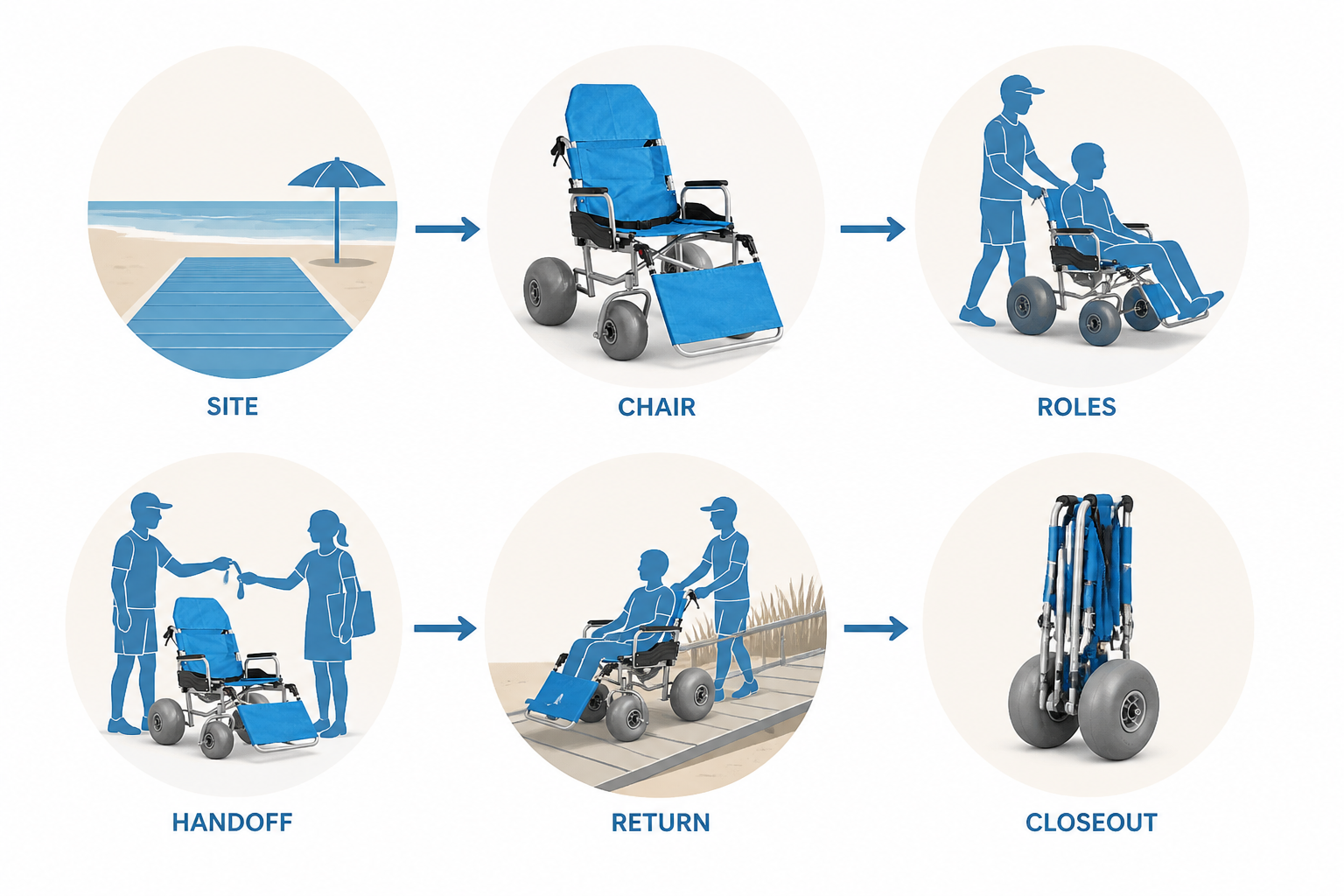
Beach wheelchair transfer can form a practical flow from area opening through chair release, role check, communication, positioning, route, handoff, return, care, and closeout. This decision connects site, equipment, staff, records, stop rules, and decision boundaries. Product photos can show chair identity and each operational stage, yet they cannot confirm permission to skip missing evidence or convert equipment facts into personal advice. Record area status, chair status, roles, cues, route, handoff, question, stop, next action, and closeout against the exact model identity before approval.
Review handoff flow through one record
Make every state visible: Use one process view and pause whenever site, chair, staff, communication, or policy evidence no longer matches. Then close the handoff record. If an open action remains, assign it before service starts.
- Open the site and chair records together.
- Confirm roles and communication before positioning.
- Carry questions and stops forward visibly.
- Close after return, care, and record review.
Key Takeaway: A visible handoff flow keeps operations clear and advice boundaries intact.
| Review area | Working record |
|---|---|
| Open | Area, chair, roles, communication, and route |
| Handoff | Position, pause, stop, question, and escalation |
| Close | Return, care, record, and release |
The flow shows the exact stage where another source or decision remains due.
Closing Notes
A practical handoff area connects location, route, chair release, staff authorization, communication, space, component records, rehearsal, stop rules, escalation, privacy, and closeout. Keep equipment facts inside current documents and personal decisions inside local policy or qualified guidance. To discuss a documented coastal equipment brief, contact us today with your route, handoff space, staff roles, chair configuration, and open supplier questions.
Frequently Asked Questions
Can I copy a transfer method from a product photo?
No. A photo shows equipment form, not an approved individual method or local staff process.
What’s the best place for a transfer area?
Use a location that passes local checks for surface, space, route, privacy, communication, and stop access.
How do I know if the chair is ready?
Ready status follows the current inspection, setup, fault review, and release process for that chair.
Can any staff member lead the handoff?
No. Use roles and authorization defined by local policy, training records, and the current operating plan.
What’s the best response to an unclear personal need?
Pause and route the question through local policy or qualified guidance before proceeding.