
Beach wheelchair shipping documents work when order, invoice, packing, carrier, and receiving records describe the same shipment. A small mismatch in model, quantity, package mark, or revision can slow a handoff even when cartons look intact. This guide gives a hypothetical B2B buyer a consistency check without giving route-specific legal advice or filing rules. If you are preparing beach wheelchair shipping documents, start with one controlled shipment file.
What should beach wheelchair shipping documents match?
Beach wheelchair shipping documents should match the approved order, physical goods, package records, and carrier handoff at every shared field. A file becomes easier to review when one person can trace a line from model identity through receiving without translating between versions.
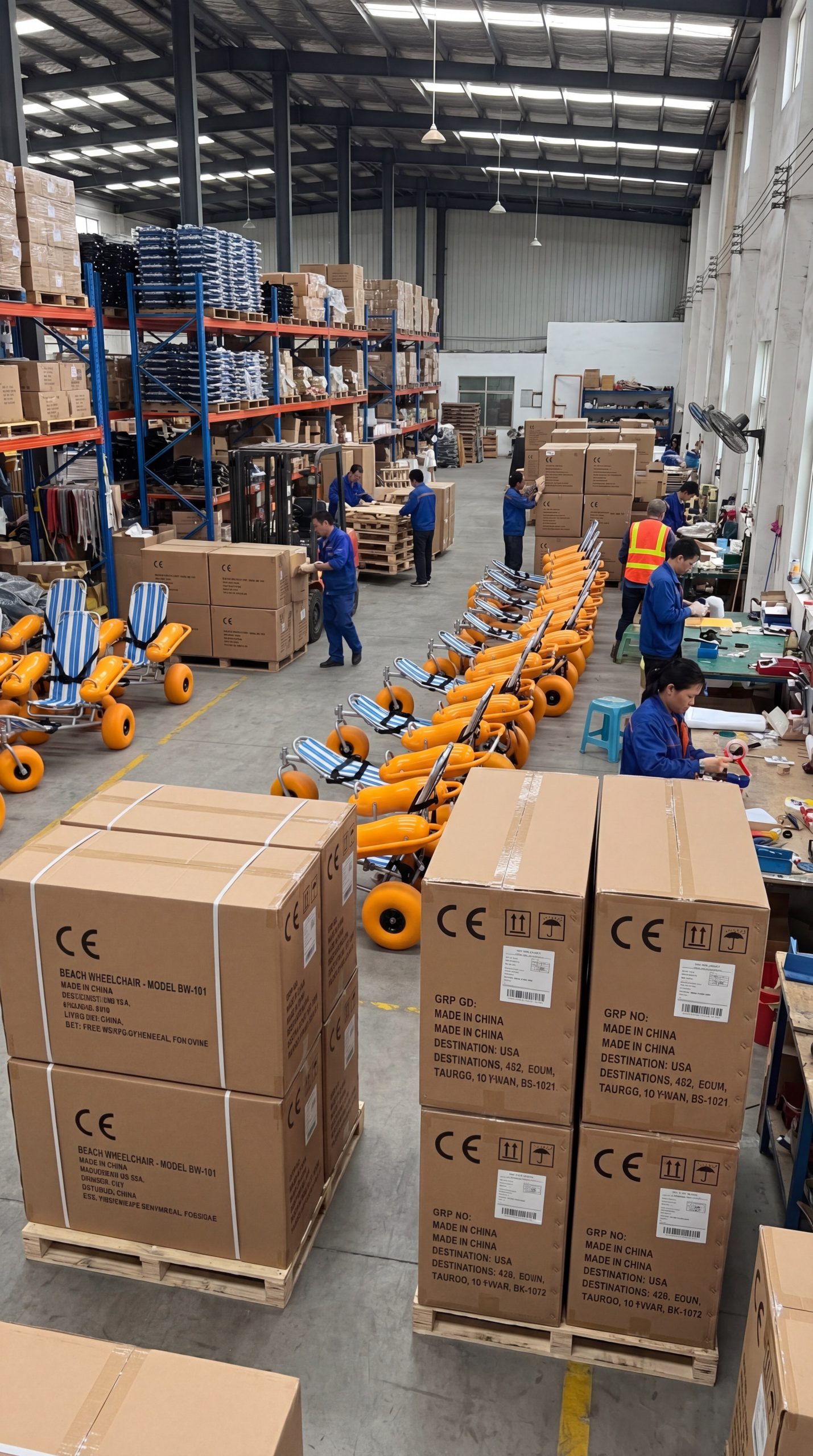
The buyer’s file may contain an order, commercial invoice, packing list, transport record, package marks, photos, and receiving note. Keep each item labelled by revision and date. Do not let a late spreadsheet edit silently replace a signed or approved version.
Start with one shipment identity: give every file the same buyer reference, model language, and package count.
- Freeze the approved order reference.
- Copy model and quantity fields without paraphrase.
- Assign one document owner for discrepancies.
- Keep an archive of the final agreed versions.
Build a one-file control sheet
The U.S. International Trade Administration says a commercial invoice identifies the transaction and goods, while a packing list describes packages; the importer or forwarder should confirm route requirements. Its Common Export Documents page provides that limited document principle. Your buyer file still needs its own version control and physical check.
| Shared field | Documents to compare | Control question |
|---|---|---|
| Buyer reference | Order, invoice, carrier file | Do all references point to one order? |
| Model identity | Order, invoice, packing list | Does wording match the approved model? |
| Quantity | Order, packing list, receiving | Does the count reconcile? |
| Package identity | Packing list, marks, photos | Can staff find each package? |
Action: create the control sheet before requesting final document copies from each party.
Key takeaway: consistency starts with shared fields, not with a longer document stack.
Which order fields should appear everywhere?
Order fields should appear consistently wherever a document identifies the buyer, goods, quantity, package, or delivery contact. The buyer can permit a different layout, but not a different meaning for the same shipment.
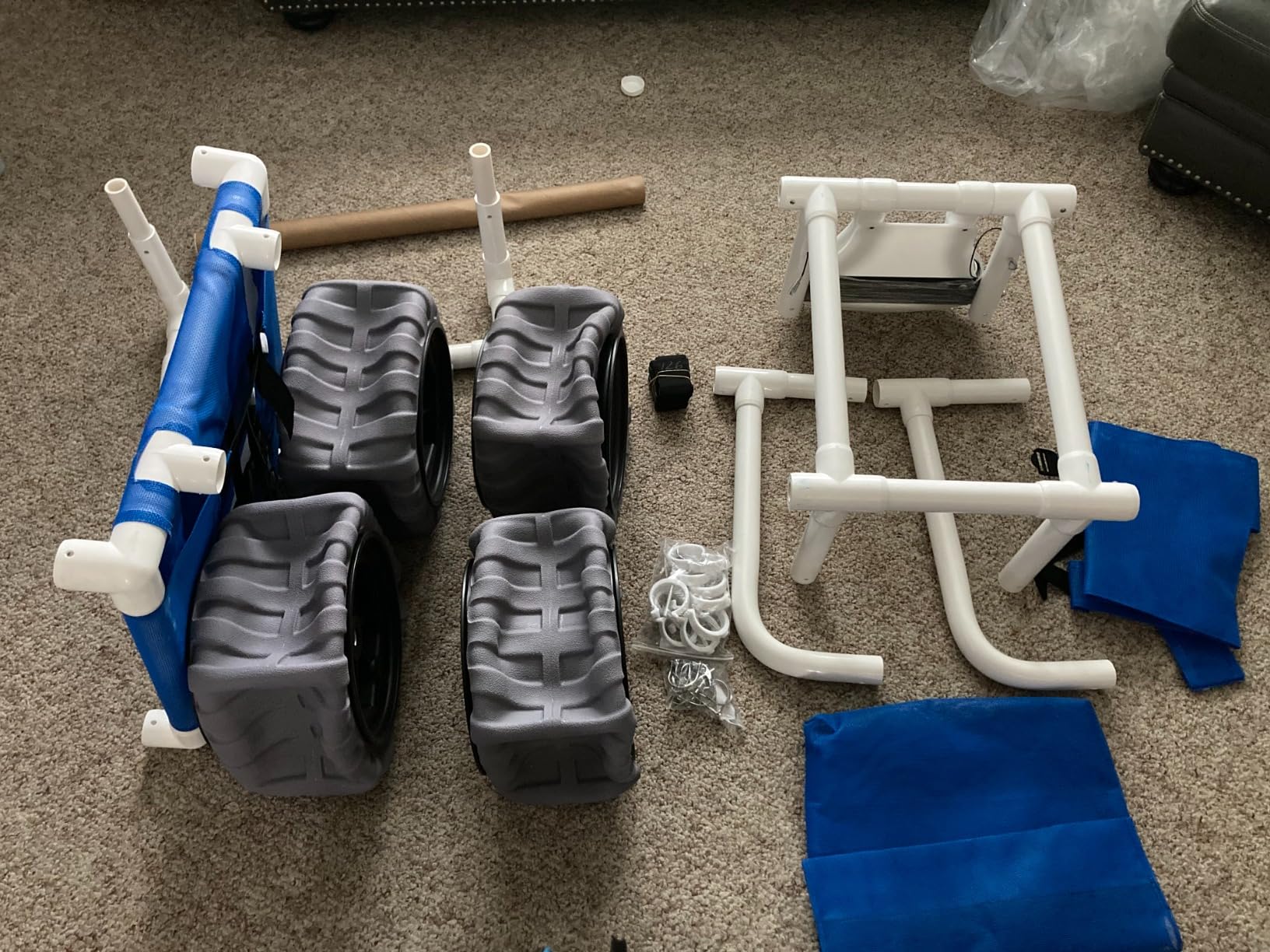
Use the same approved model wording from the purchase file. A beach wheelchair may have a product name, internal code, or revision reference; choose the controlled field and repeat it consistently. Avoid adding marketing language that cannot help receiving staff identify a carton.
Use the same words on purpose: a clean field beats three near-synonyms.
- Buyer and seller names as approved in the order.
- Order reference and document revision.
- Model description and quantity unit.
- Package count and named receiving contact.
Mark controlled and variable fields
Separate fields that must stay identical from fields that can change during transport coordination. A contact phone or carrier reference may change under an approved update. Model identity and ordered quantity should not drift without a recorded change.
| Field group | Keep consistent | Record changes as |
|---|---|---|
| Goods | Model, revision, quantity | Approved order change |
| Packages | Count, marks, contents | Packing update |
| Contacts | Buyer and receiver | Dated contact change |
| Transport | Carrier reference | Forwarder update |
Action: highlight controlled fields on the order before copying them into later documents.
Key takeaway: consistent language lets receiving staff compare records without decoding a supplier’s shorthand.
How should model and quantity records align?
Model and quantity records should align at line level, package level, and receiving level. If one order line covers several packages, the packing list should show how those packages relate to that line without inventing a new model name.
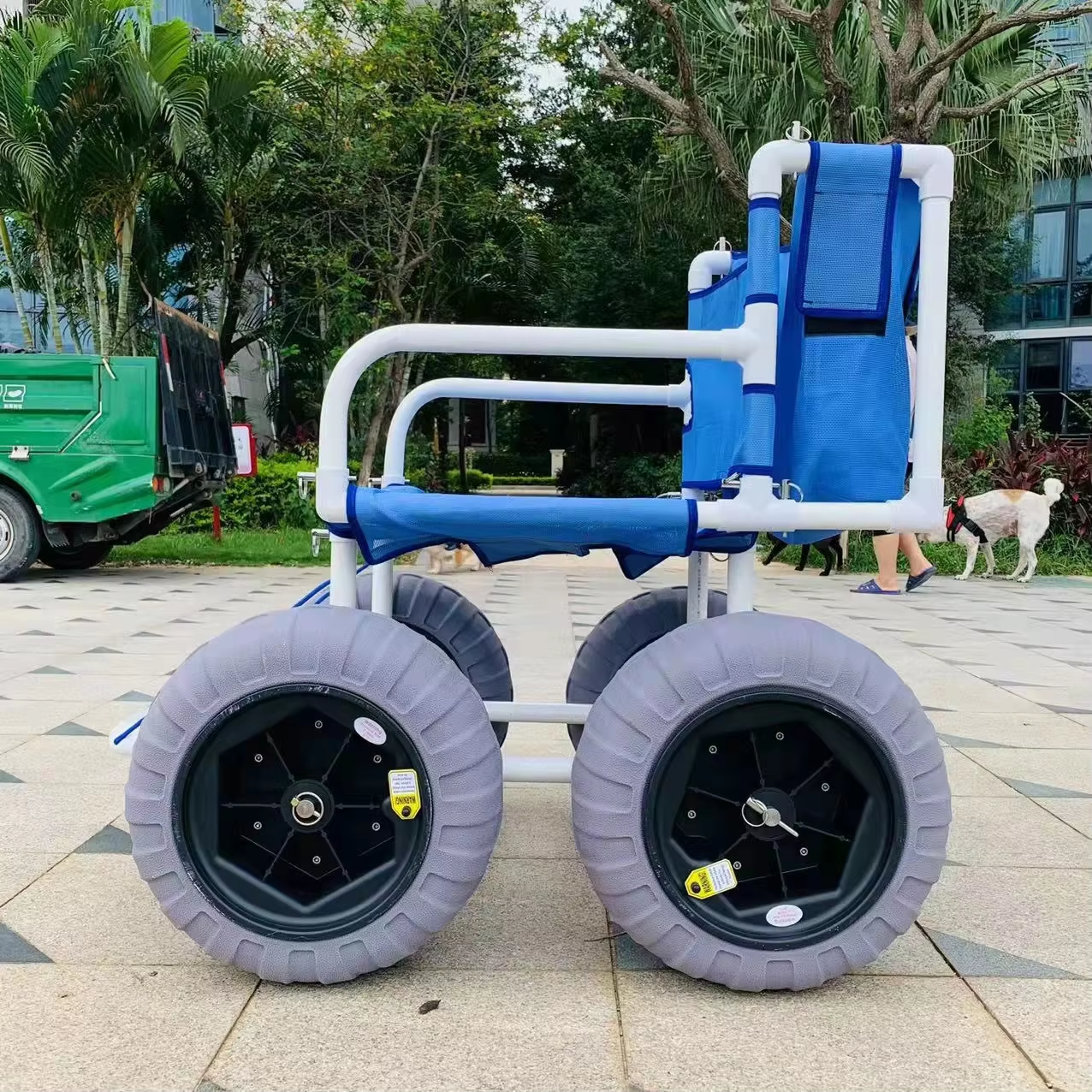
For a lightweight beach wheelchair, keep model identity distinct from a descriptive phrase such as “light chair.” The same rule applies to accessories or separate parts. Receiving staff need to know what was ordered, what package contains it, and what remains open.
Line by line is safer: reconcile identity before adding totals.
- Match every line to the approved order.
- Separate chair units from loose parts or accessories.
- Tie each package mark to a line or package list.
- Show shortages or overages as open discrepancies.
Reconcile units before totals
Start with each line and then check totals. A total can look correct while one model line is wrong. Keep quantity units clear, especially when one record counts chairs and another counts packages.
| Reconciliation step | Check | If it differs |
|---|---|---|
| Line identity | Model and revision | Hold document approval |
| Unit count | Ordered versus packed | Open discrepancy |
| Package count | Marked packages versus list | Recheck packing record |
| Total | Sum of approved lines | Do not silently edit |
Action: ask the document owner to sign off line-level reconciliation before a total is treated as final.
Key takeaway: totals are useful only after model and unit lines agree.
What package details need a measured check?
Package details need a measured check for identity, count, visible marks, and recorded shipment fields that the carrier or receiving team will use. Use actual measured or confirmed values from the packing process, not an old template copied from another order.
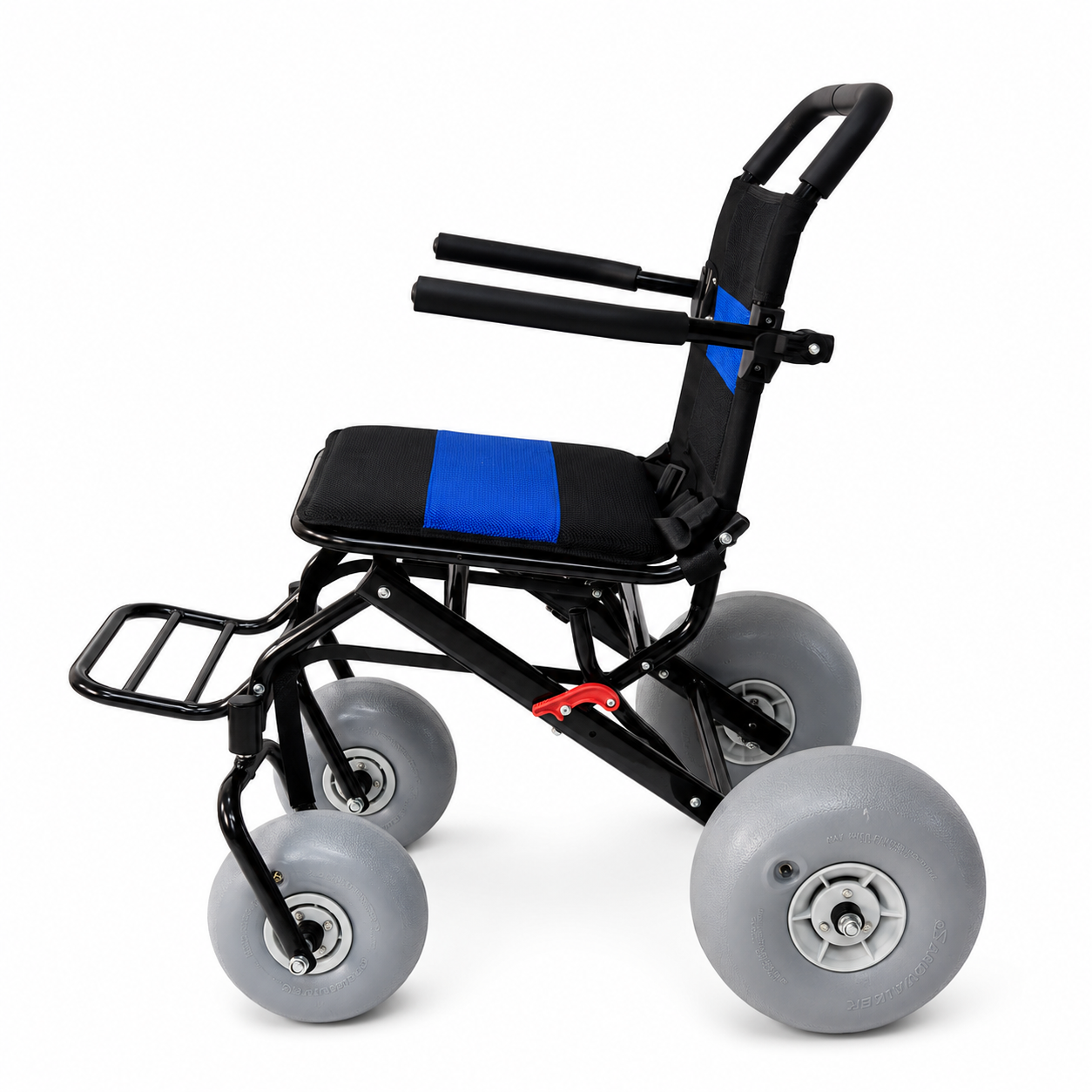
Package fields may include package mark, contents, quantity, and measured shipment information supplied by the responsible party. Do not guess values that a buyer has not received. An all-terrain beach wheelchair line should remain identifiable even when parts share a package.
Measure once, copy carefully: a checked field loses value when someone retypes it from memory.
- Assign a package mark before final photos.
- Connect contents with the packing record.
- Record who checked the package fields.
- Keep unconfirmed values visibly open.
Use a package check row
Create one row per package or controlled package group. The row can reference attached evidence without pretending a photo proves every field. If a measured value changes after review, record the reason and new revision.
| Package row | Minimum record | Evidence link |
|---|---|---|
| Identity | Mark and related order line | Packing record |
| Contents | Model or parts listed | Checked list |
| Condition | Visible note at handoff | Photo or exception |
| Revision | Date and owner | Change record |
Action: lock the package table after the final comparison and keep later changes as a new revision.
Key takeaway: measured package fields matter when each one has an owner and a traceable source.
How can photos support a shipment file?
Photos can support a shipment file by showing visible package marks, carton count, contents layout, or handoff condition at a stated moment. They should support a written record, not stand in for model certification, warranty evidence, or a complete packing check.
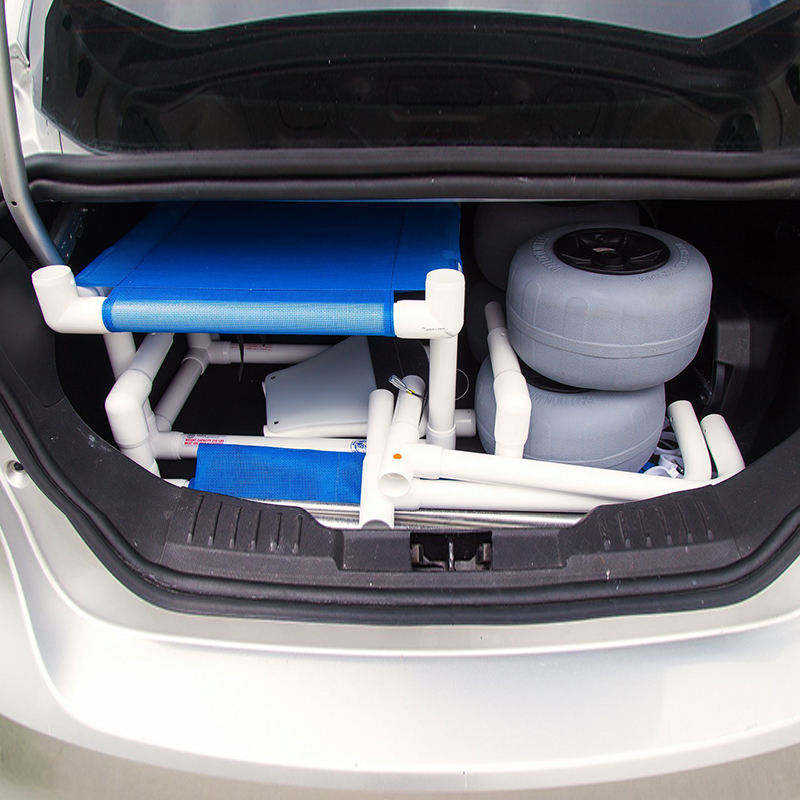
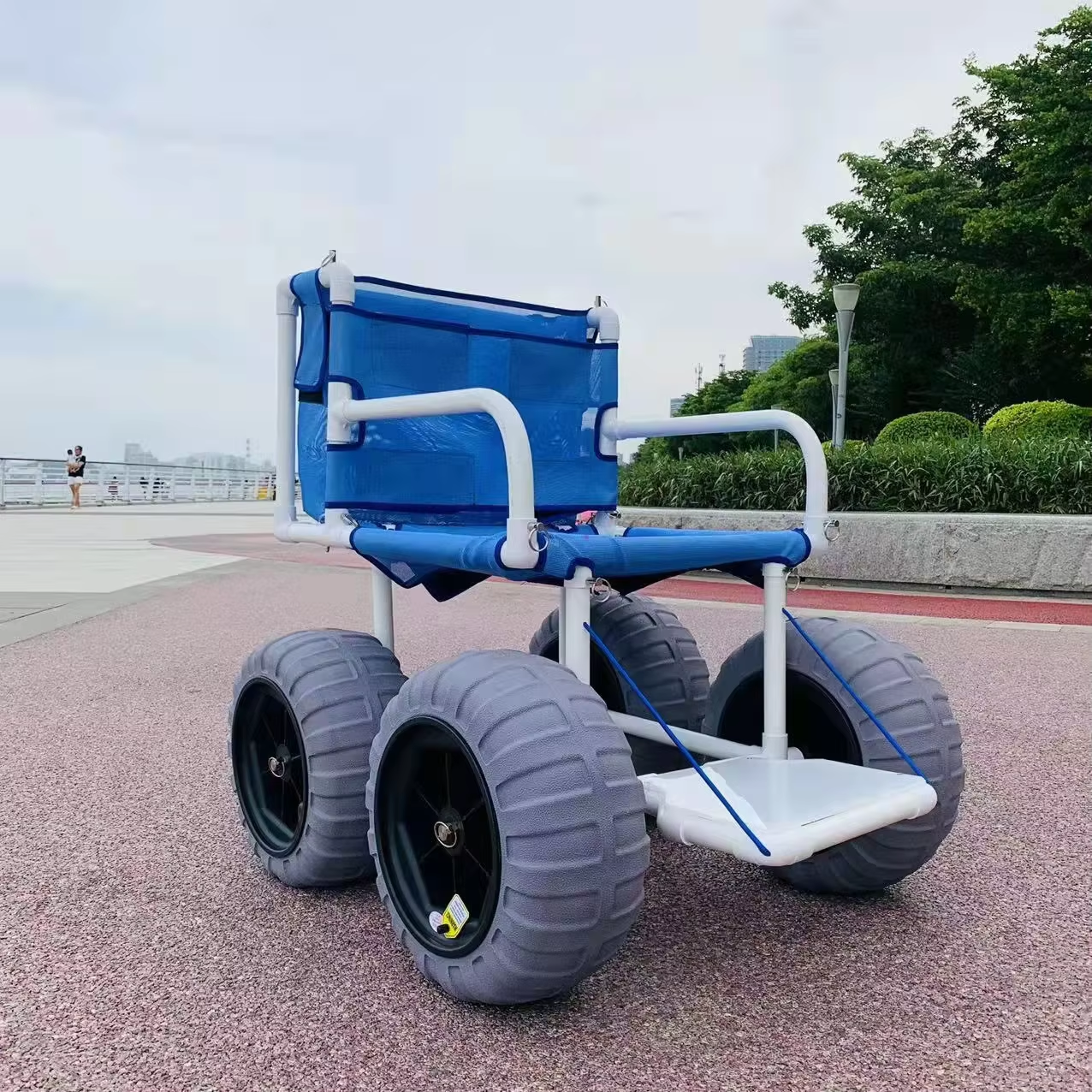
A photo filename should include a controlled reference or appear in a photo log. Record who took it, when, and what it shows. Product images such as a floating water beach wheelchair may help identify a visible item, but they do not prove a package’s unseen contents.
A photo answers one narrow question: state that question beside every image.
- Show package mark or visible count when relevant.
- Keep the image tied to its package row.
- Record capture time and responsible person.
- Add an exception note when a view is incomplete.
Keep image evidence modest
Avoid captions that claim more than the frame shows. A photo of parts on a surface does not prove packing completion. A chair image does not prove model revision, warranty, or route performance. Keep those claims in their own records.
| Photo purpose | What it may show | What it cannot prove alone |
|---|---|---|
| Package mark | Visible label or mark | Complete contents |
| Carton count | Visible packages | Hidden packages |
| Parts layout | Visible components | Compatibility or function |
| Handoff condition | Surface appearance | Later condition |
Action: add a one-line photo purpose to the shipment log before attaching images.
Key takeaway: photos add traceability when captions stay narrower than the evidence.
Who owns a document discrepancy?
A named document owner should coordinate every discrepancy, while the party closest to the source confirms the correction. The owner does not need to edit every file personally; that person must keep the question, response, and final revision together.
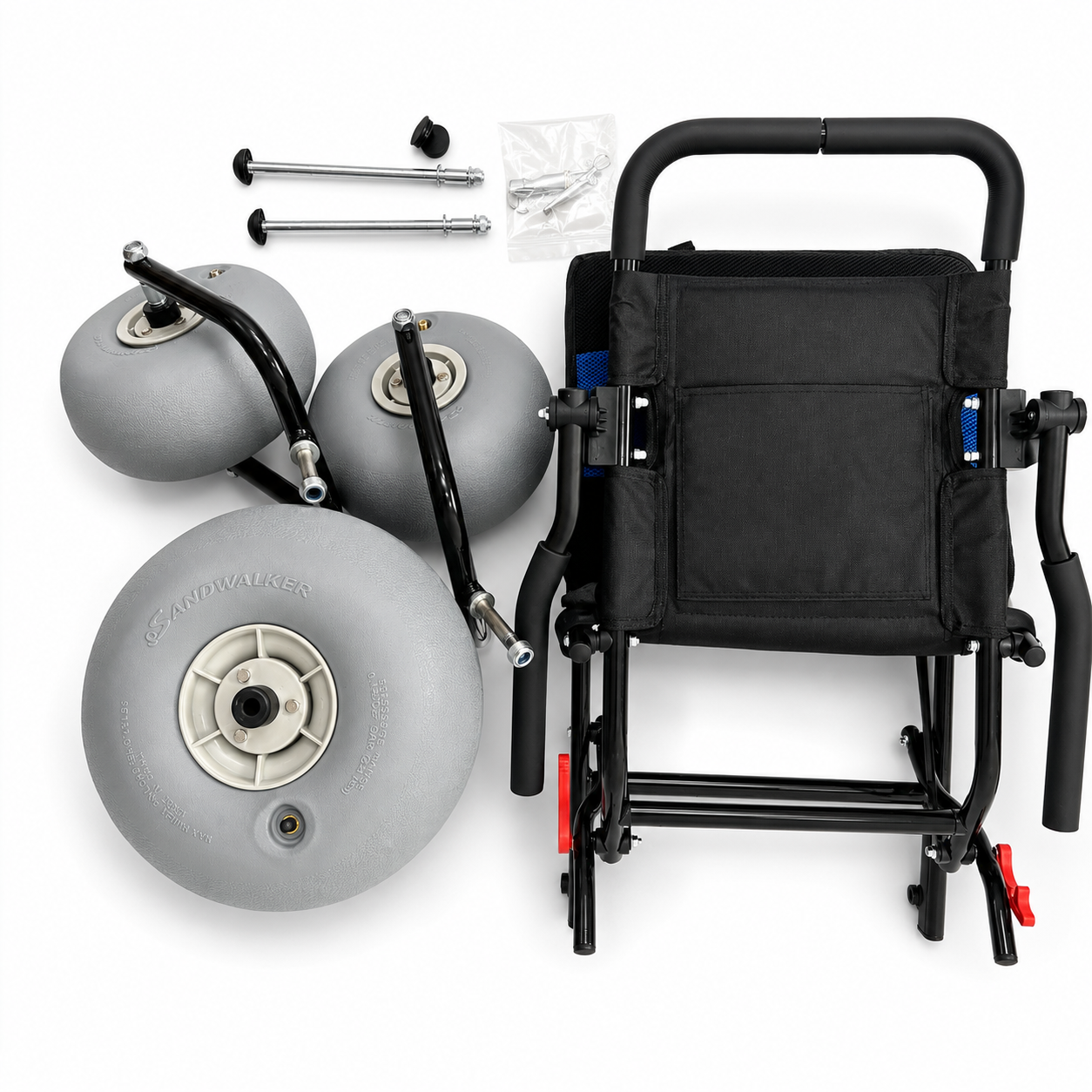
A mismatch may involve buyer reference, model wording, quantity, package mark, or carrier record. Assign one owner and one response deadline without promising a route outcome. A beach walker included in a wider order should have its own line rather than disappearing into a generic “equipment” label.
One owner keeps the thread intact: shared correction work still needs a single closeout person.
- Log the mismatch exactly as seen.
- Name the source party for the answer.
- Mark affected documents and package rows.
- Replace or annotate records under revision control.
Use an exception register
The register should show issue, owner, source party, affected file, status, and closure evidence. Do not overwrite a mismatch before its original value is captured; that erases the reason for the change.
| Exception field | Example question | Closure evidence |
|---|---|---|
| Mismatch | Which model field differs? | Compared copies |
| Owner | Who requests correction? | Named person |
| Source | Who confirms the value? | Reply or revised file |
| Status | What remains open? | Updated register |
Action: make one person responsible for closing the register, even when several parties supply corrections.
Key takeaway: discrepancies shrink when one owner protects the thread from message-by-message drift.
How should a forwarder review the file?
A forwarder review should compare the buyer’s approved shipment fields with the package and carrier information, then identify route-specific questions for the importer or responsible party. The buyer should not assume a general document template answers every route requirement.
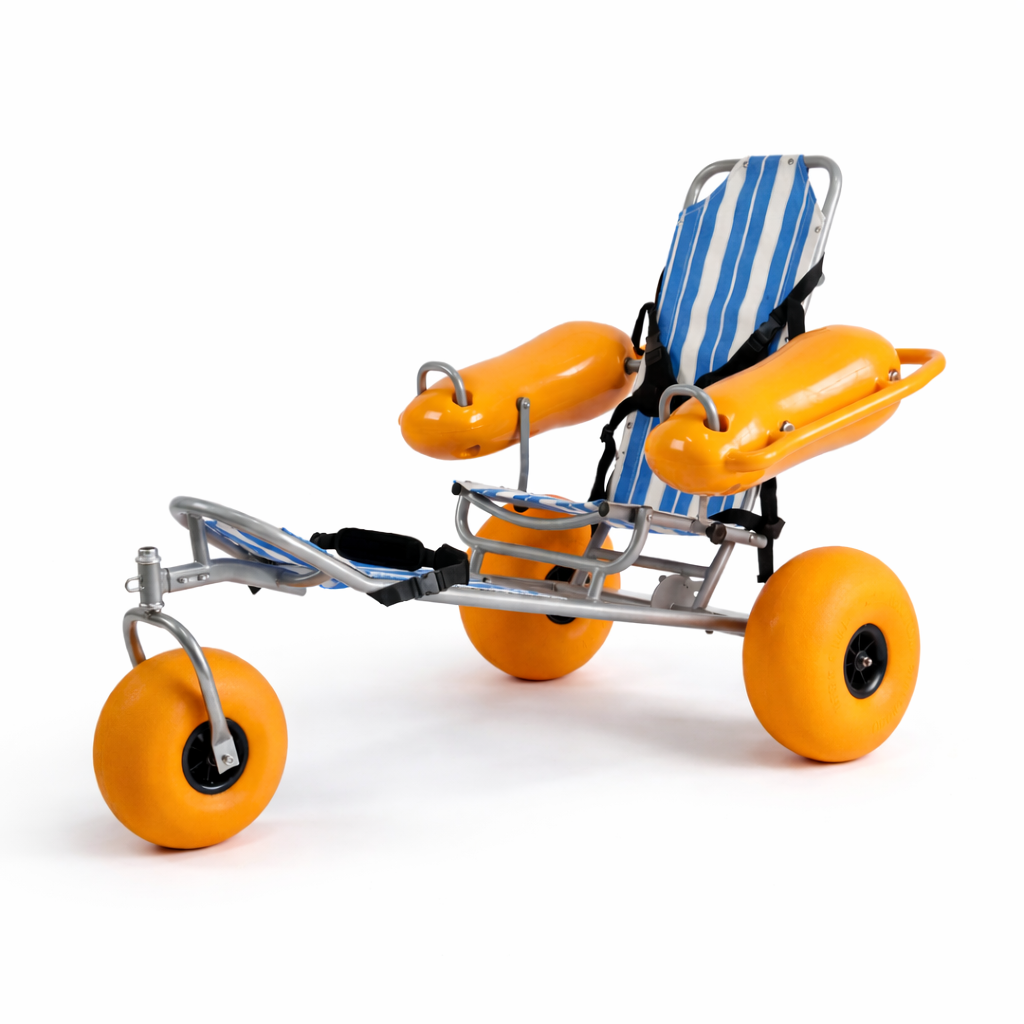
Give the forwarder a controlled file and a contact for questions. Ask which field or document needs attention, then record the answer without copying rules from another route. Keep the beach wheelchair user manual separate from commercial shipment records unless a recipient specifically needs it as a product reference.
Ask for a comparison, not a mystery approval: the review should return questions a buyer can answer.
- Provide final order and packing versions.
- Identify package marks and contact details.
- Ask which route-specific fields need confirmation.
- Record open questions and responsible parties.
Give the reviewer a clean handoff
Send one index with filenames, revisions, and a contact. A forwarder should not have to choose between three “final” attachments. If a reviewer returns a correction request, put it in the exception register before changing a document.
| Handoff item | Buyer provides | Reviewer returns |
|---|---|---|
| Document index | Names and revisions | Missing-file request |
| Goods record | Approved model lines | Comparison question |
| Package record | Marks and contents | Field discrepancy |
| Contact | One decision owner | Route-specific query |
Action: send the forwarder one indexed file and retain the exact version that was reviewed.
Key takeaway: a good review produces clear questions, not an unexplained “approved” label.
What should change-control look like before pickup?
Change-control before pickup should show what changed, why it changed, who approved it, which documents are affected, and which package or carrier record must be rechecked. A late edit is manageable when it leaves a trace.
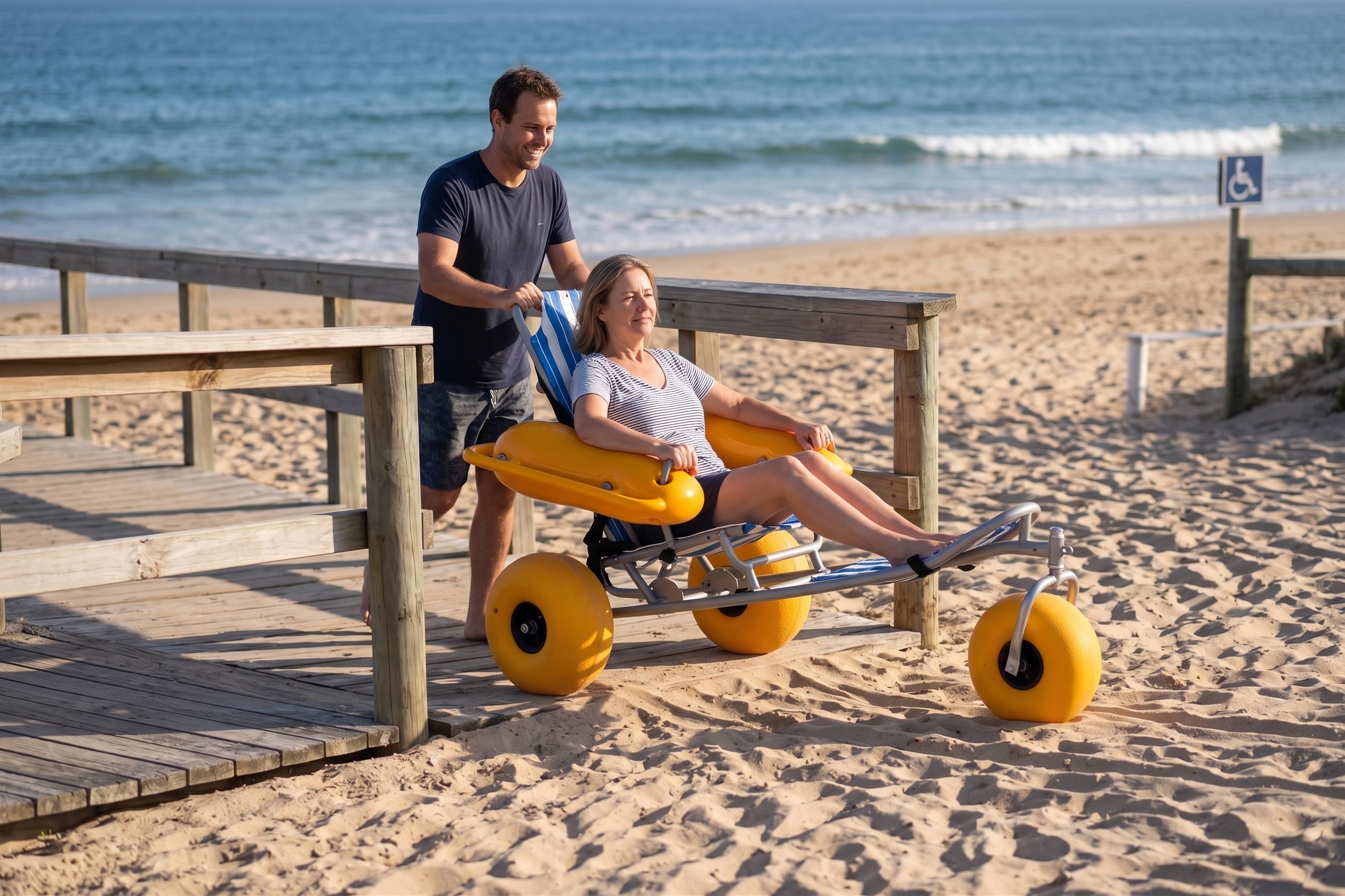
Freeze a release version after the final comparison. If a new floating beach wheelchair replaces an earlier line, update model identity, quantity, package relation, and any attached photo purpose together. Do not change one field in isolation and call the file final.
Change one line, check the chain: every revision should point to its affected records.
- Assign a revision number or date.
- State the reason and approving owner.
- Recheck model, quantity, and package fields.
- Notify the parties holding the older file.
Make the release version obvious
Use a filename and index that show status. Keep superseded files archived but clearly marked. If a carrier copy cannot be replaced, record the discrepancy and the owner rather than hiding the mismatch.
| Change-control field | Record |
|---|---|
| Change | Old and new value |
| Reason | Source of request |
| Approval | Named person and date |
| Impact | Files, packages, and contacts |
Action: run a final field comparison after every approved change and before handing over the release file.
Key takeaway: controlled change protects consistency when a shipment changes late.
How can receiving close the record?
Receiving can close the record by comparing delivered packages, visible marks, model and quantity lines, condition notes, and open discrepancies against the release file. Closure should show what arrived and what still needs an answer.

Use the same package rows prepared before pickup. Record a missing or damaged-looking item as an exception rather than editing the original order to make totals match. A receiving note may point to a product or application, but it should stay separate from marketing description.
Close the loop at the dock: compare identity and quantity before storing or distributing units.
- Match each package mark to the packing list.
- Reconcile model and quantity lines.
- Record visible condition and open questions.
- Name the person who closes or escalates the file.
Use a receiving closeout row
One row per package or controlled group makes a closeout readable. Add a status such as matched, open, or escalated. Do not call a shipment complete while a known document discrepancy has no owner.
| Receiving field | Closeout check | Status |
|---|---|---|
| Package mark | Matches release file | Matched or open |
| Contents | Matches line record | Matched or open |
| Condition | Observation recorded | Note attached |
| Discrepancy | Owner and next step | Open or closed |
Action: sign receiving only after every open row has an owner and a next step.
Key takeaway: receiving closes a shipment file through reconciliation, not through a single signature.
How should a buyer judge a complete file?
A buyer should judge a complete file by asking whether another person can trace order, goods, packages, review questions, changes, and receiving status without guessing. Completeness means coherent records, not the highest document count.
Use accepted, open, or missing statuses for each control line. Keep the importer or forwarder’s route questions with their response, while leaving advice outside the buyer’s authority to the responsible party. The final file should preserve the approved order and every meaningful change.
The useful test is traceability: hand the file to a colleague who was not on the shipment call.
Run the colleague test
Give a colleague the index, approved records, package table, photos, change log, and receiving note. Ask them to identify the model, quantity, package marks, open issue owner, and final status. Any question they cannot answer becomes a closeout task.
- Can the colleague find the approved order?
- Do model and quantity lines agree?
- Can each package be traced?
- Are changes and discrepancies visible?
- Does receiving show matched or open status?
Action: close the shipment file only after an independent reader can follow its chain. For a document-specific question, contact us with the order reference and the exact mismatch.
Key takeaway: a complete file lets the next person see what was ordered, what moved, and what remains open.
Q1: What are beach wheelchair shipping documents?
They are the order, commercial invoice, packing and package records, carrier handoff information, photos where useful, and receiving closeout kept for one shipment.
Q2: Should every document use the same model wording?
Controlled model and revision fields should match across records. Descriptive notes can vary only when they do not change identity or quantity.
Q3: Can photos replace a packing list?
No. Photos can support a narrow visible check, while the packing record states package contents and quantity.
Q4: Who confirms route-specific document needs?
The importer, forwarder, or other responsible route party should confirm those needs. Keep their questions and responses in the shipment file.
Q5: When is a shipment file complete?
It is complete when a colleague can trace approved order, goods, packages, changes, discrepancies, and receiving status without guessing.